
This is an example page, showcasing each of the custom blocks intended for use across the site. In alphabetical order
Example accordion
Lorem ipsum dolor sit amet consectetur adipisicing elit. Vel sit provident amet perspiciatis blanditiis. Tenetur recusandae cumque maiores eius exercitationem rerum autem. Assumenda eaque quidem ullam laborum amet culpa dicta!
Enim, impedit adipisci sunt, molestias ea non voluptate temporibus explicabo omnis odit sed ullam. Eaque sed beatae quas, voluptate recusandae commodi blanditiis id sapiente. Ut magnam eius tempora dolorem neque.
Saepe fugit quidem enim voluptatum illum nobis soluta facere perferendis? Laborum, explicabo! Fugit ad ut beatae ducimus maiores. Excepturi facilis, cum sed architecto ea voluptates error illum doloribus tenetur ipsa.
Button:
- note the fields in the sidebar when editing these, it lets you select various theme colours (I’ve picked maroon)
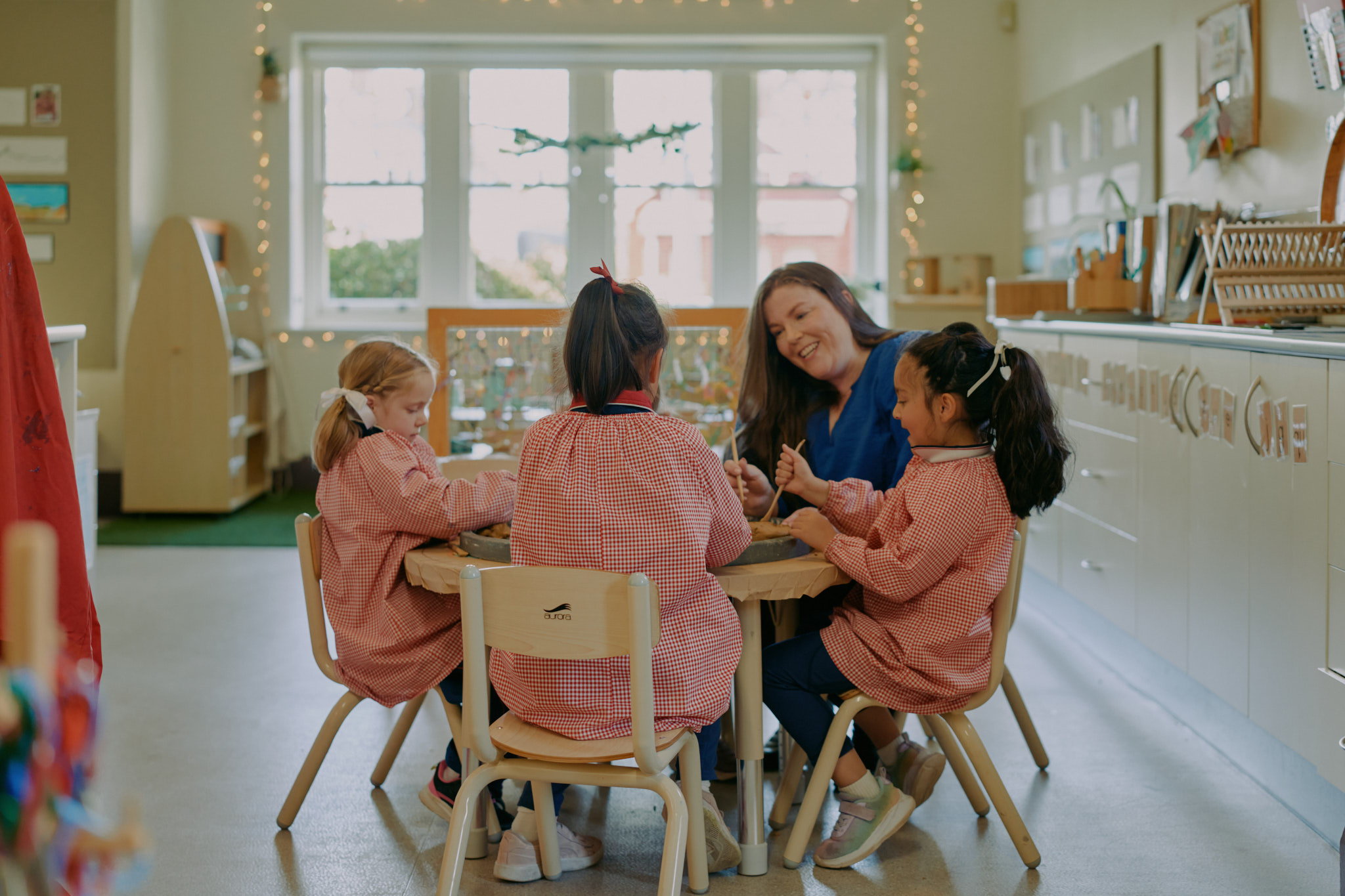
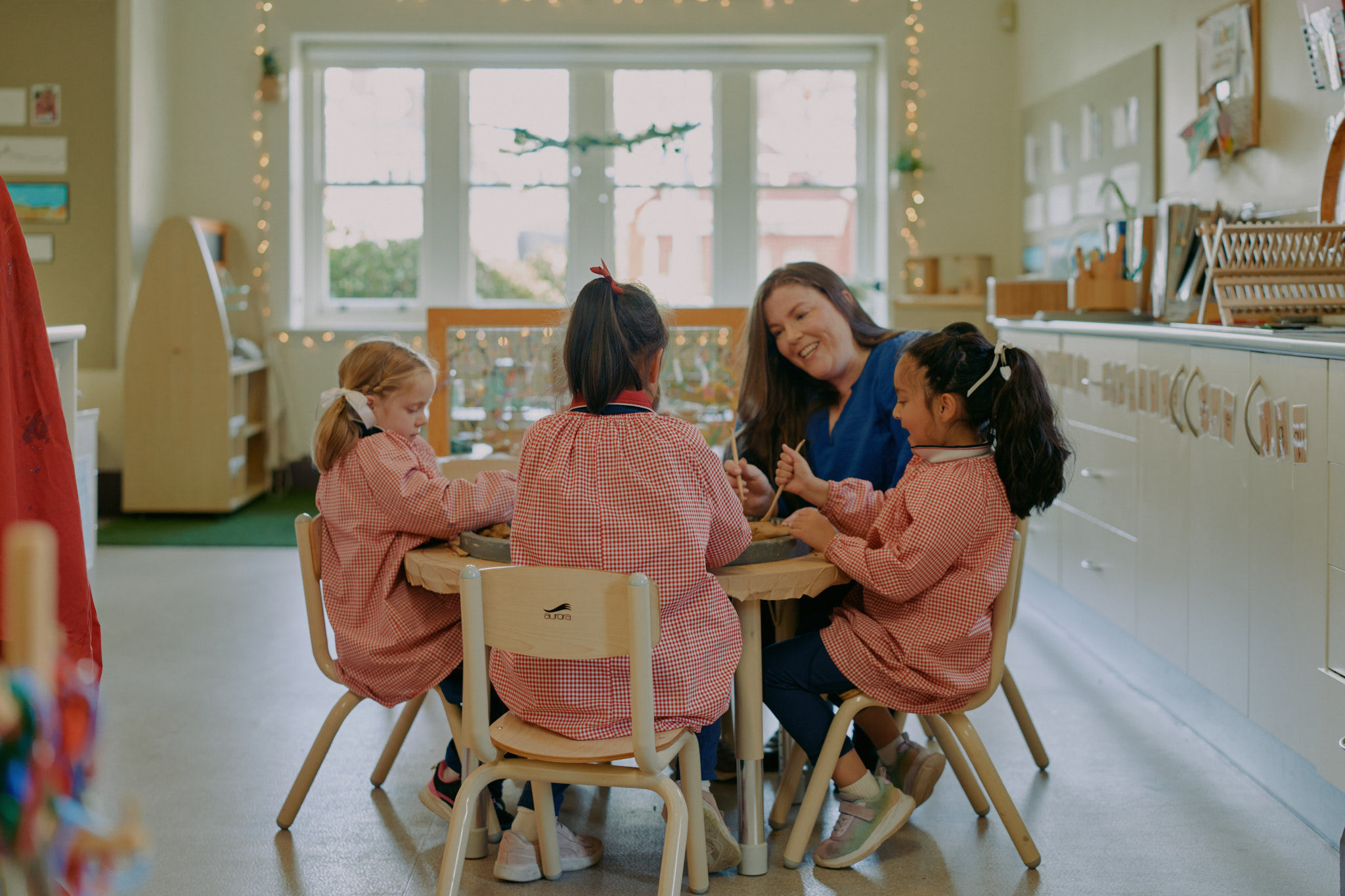
THis
Is a 'complex' layout block

This is a form block, allowing you to select a form you have created to appear on the page
This is a ‘general text’ block
It helps you lay out copy with a title and a link on the side
The next one is the ‘History slider’, which takes all the ‘History’ Posts and lays them out in a well formatted timeline. I have not added it to this kitchen sink as it is quite long. But you can use it anywhere!
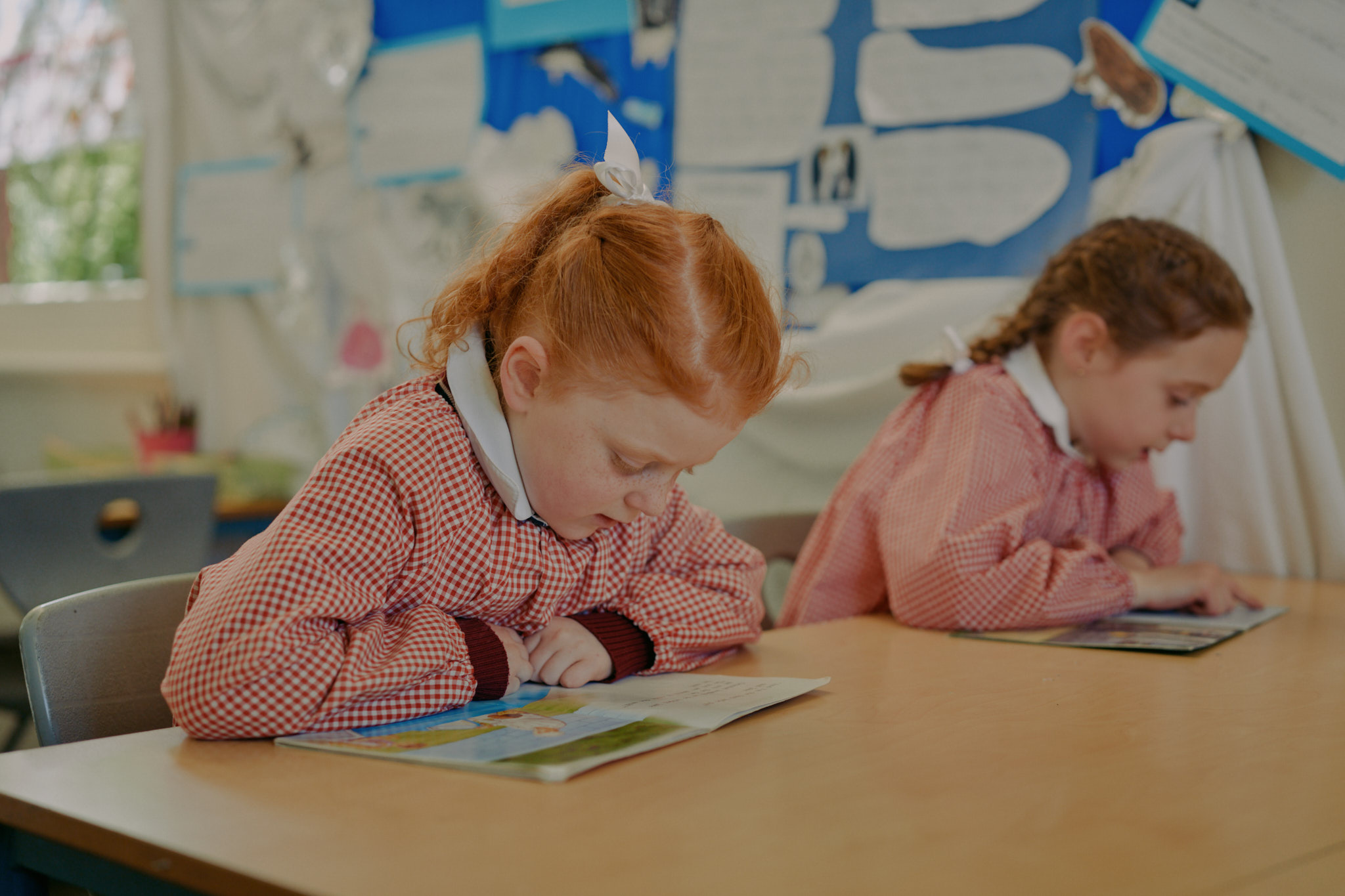
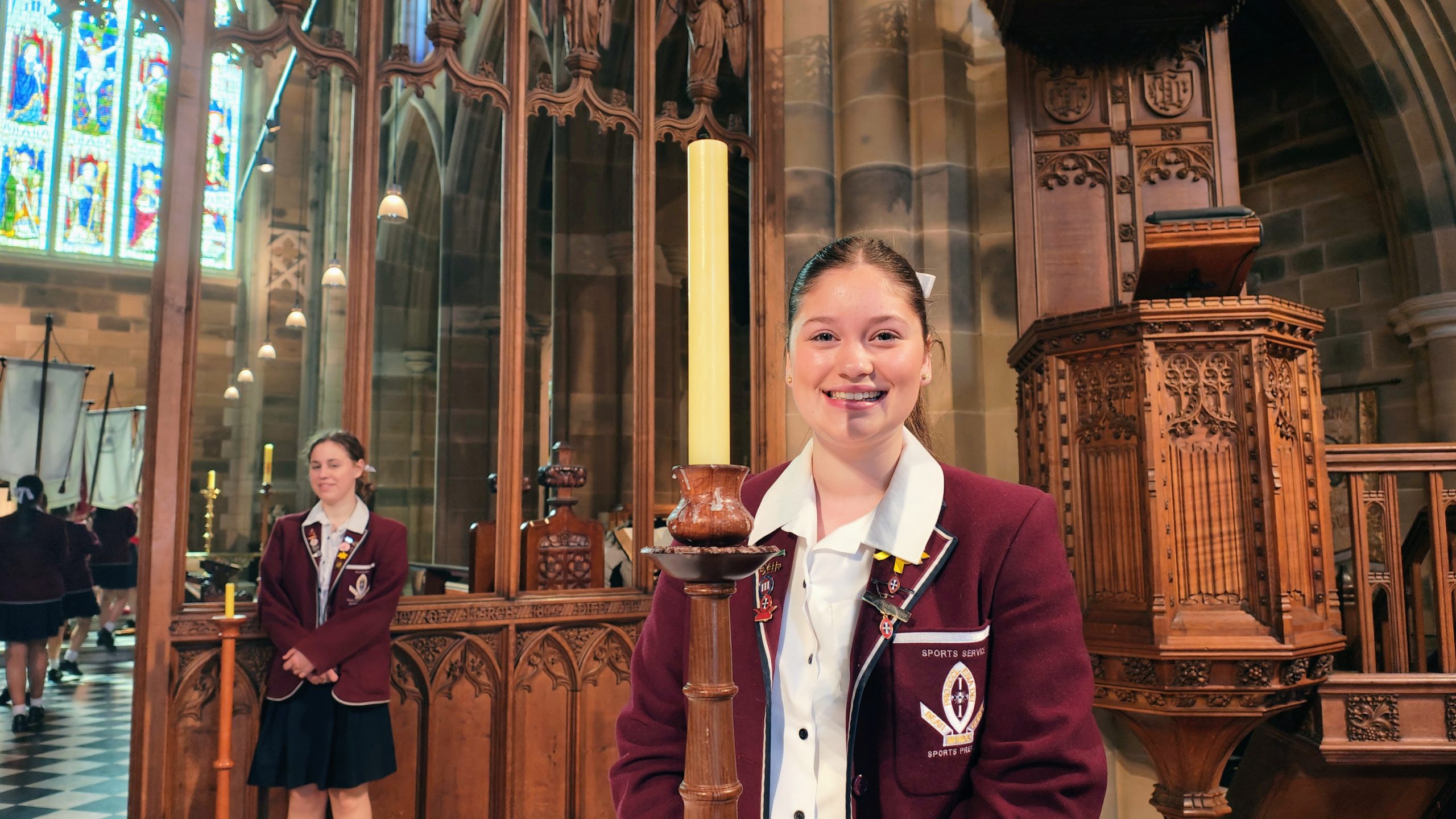
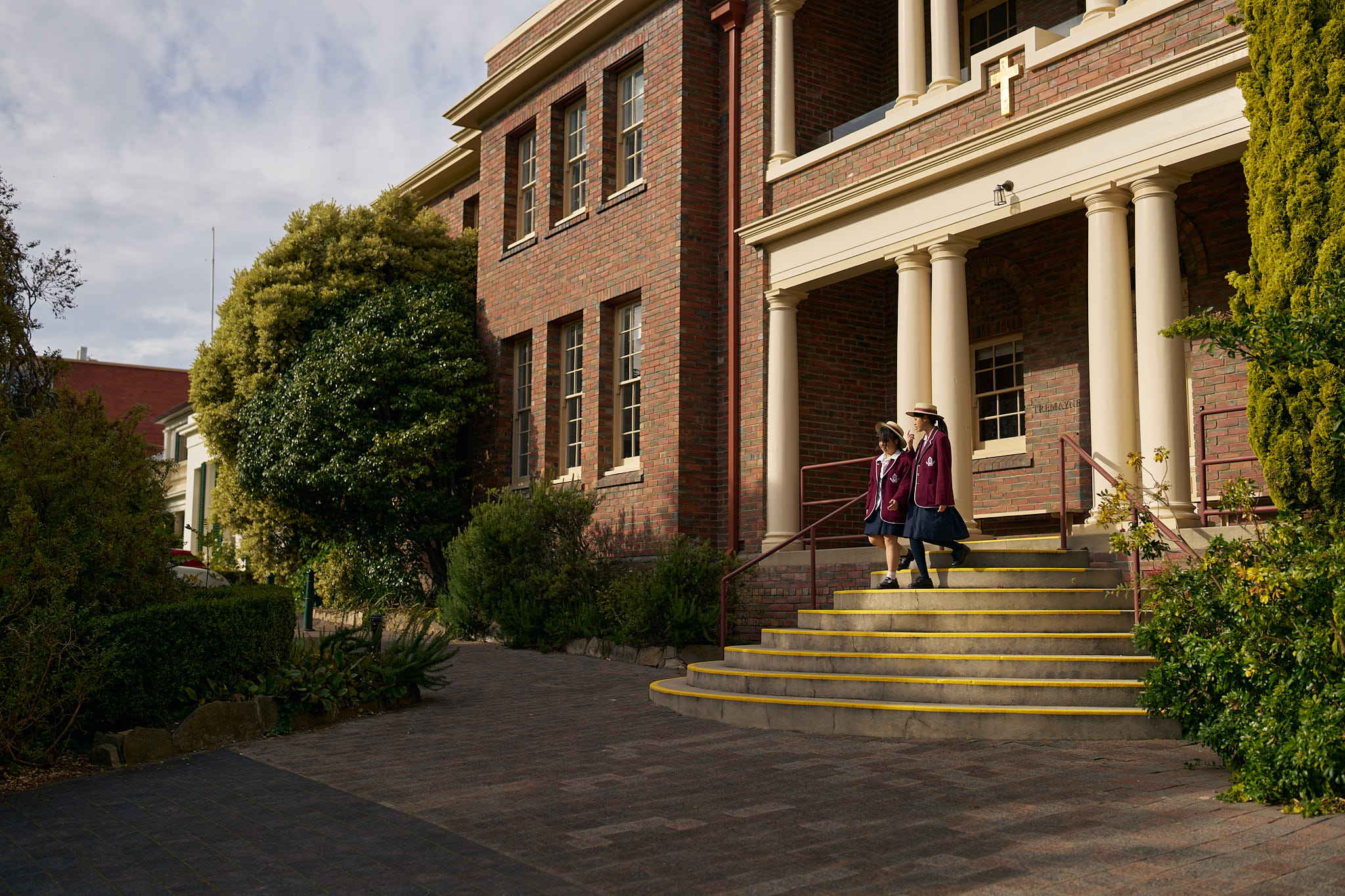
The next one is ‘Image Grid’. It provides a gallery layout for many images, useful for event photography, or anywhere you want to provide many images for the visitor to view
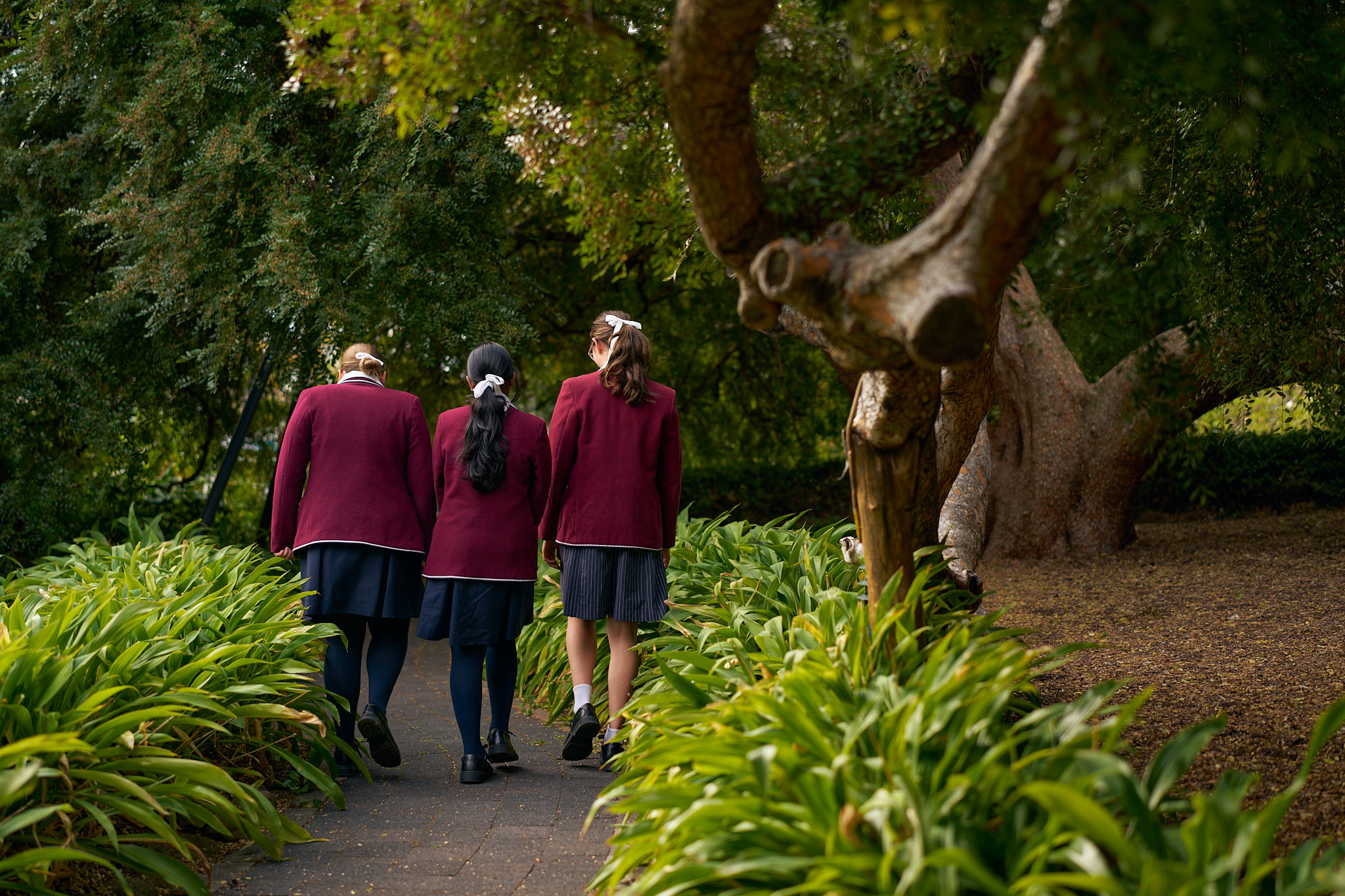
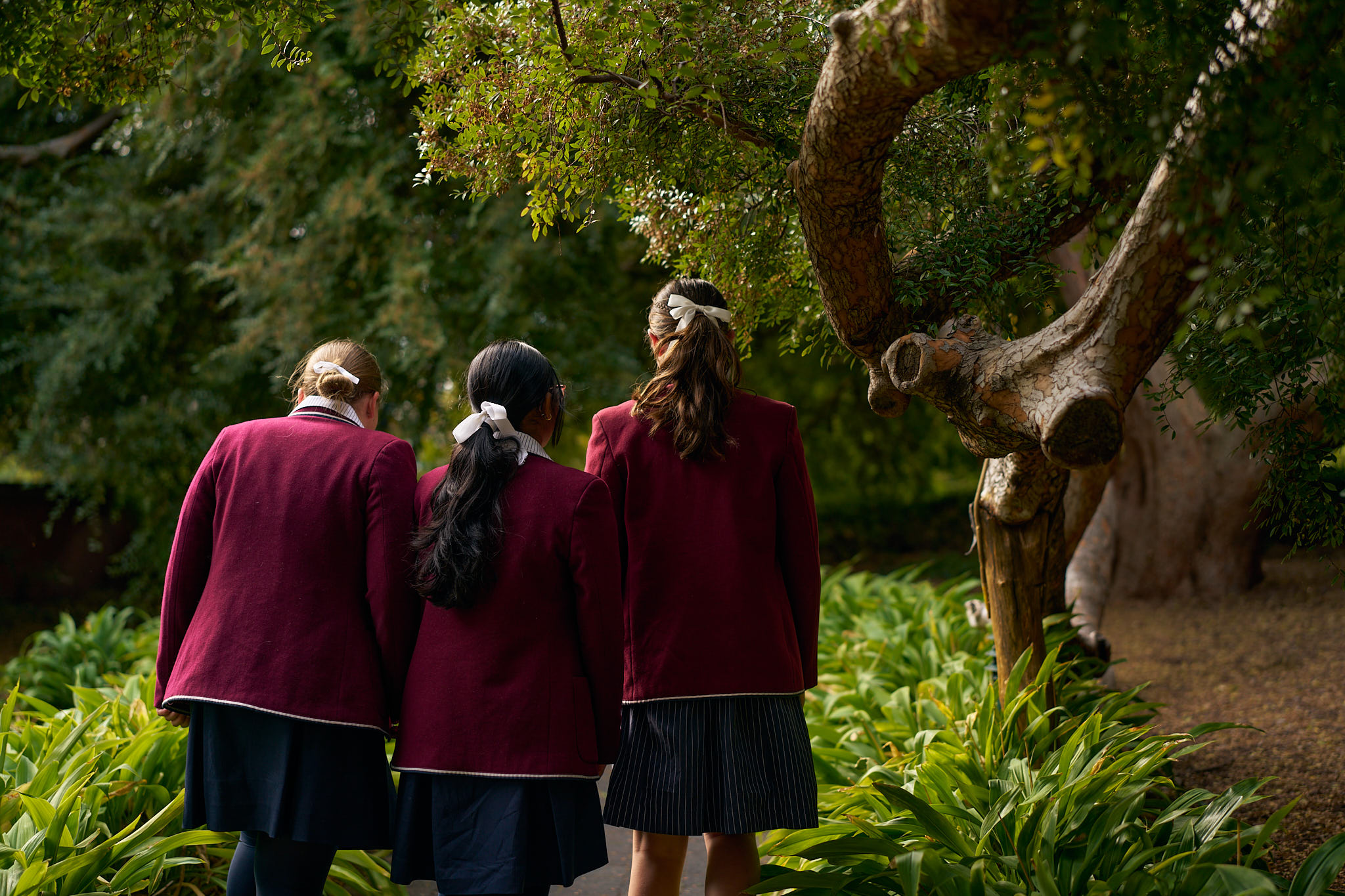
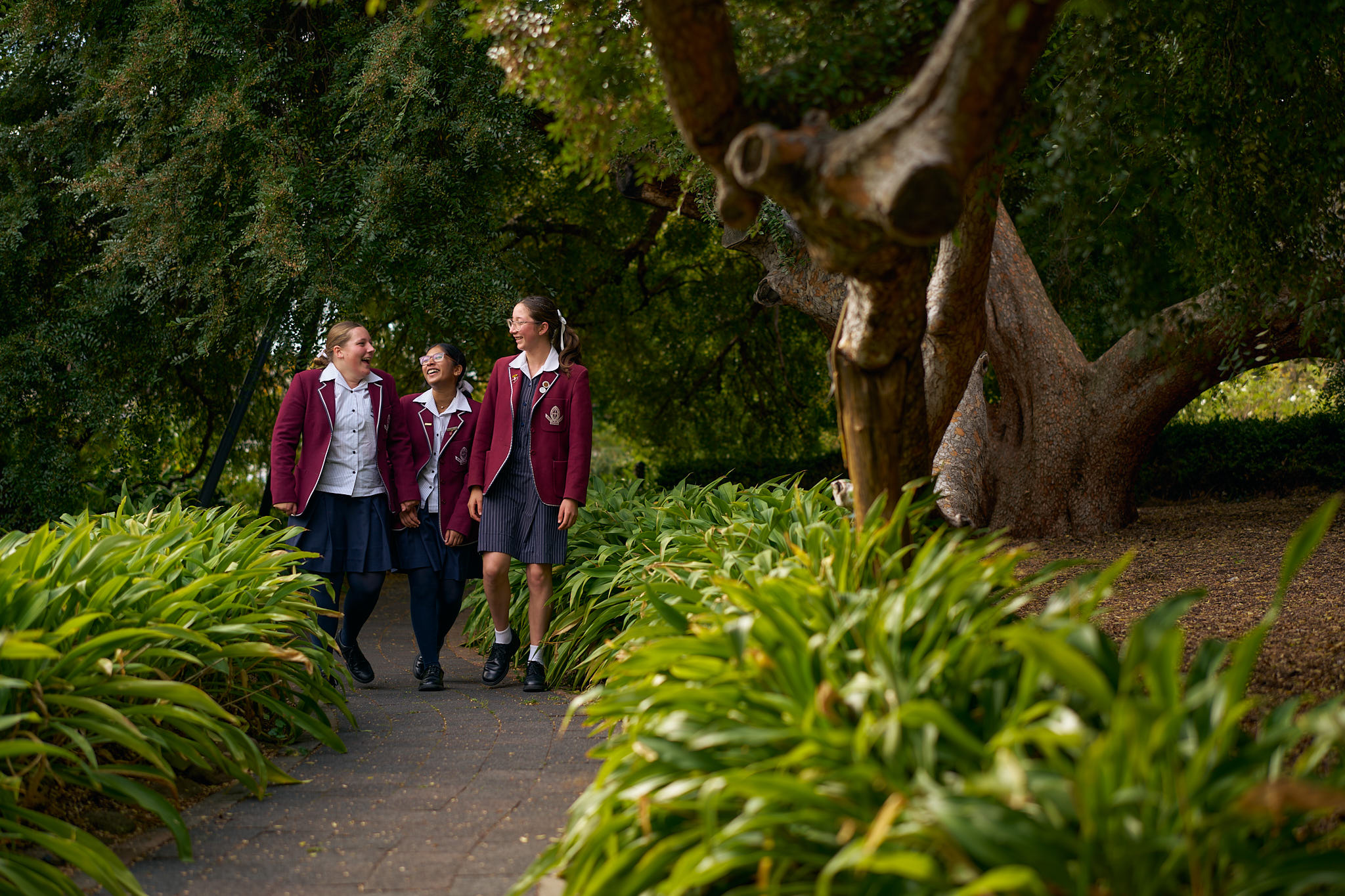
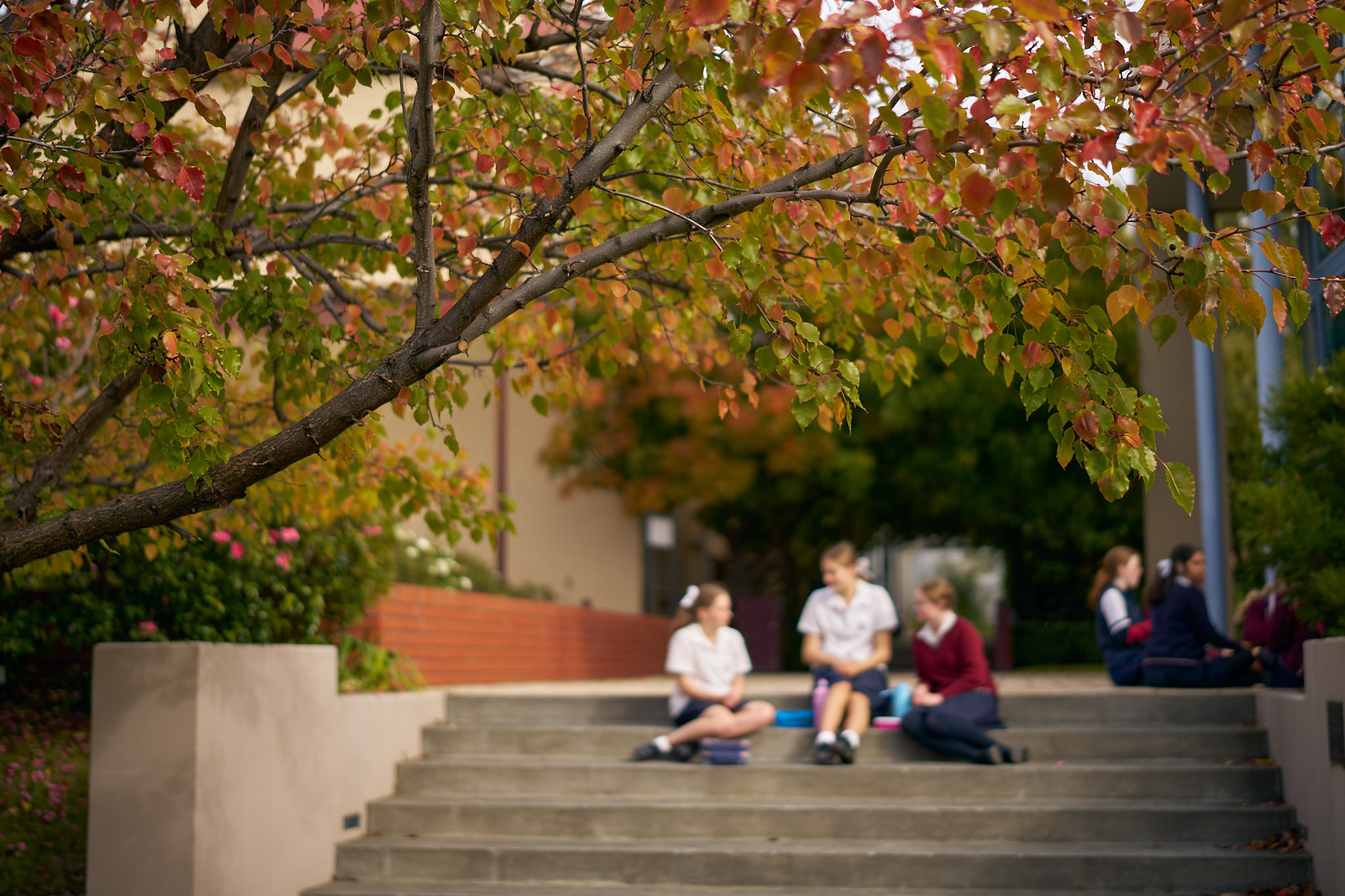
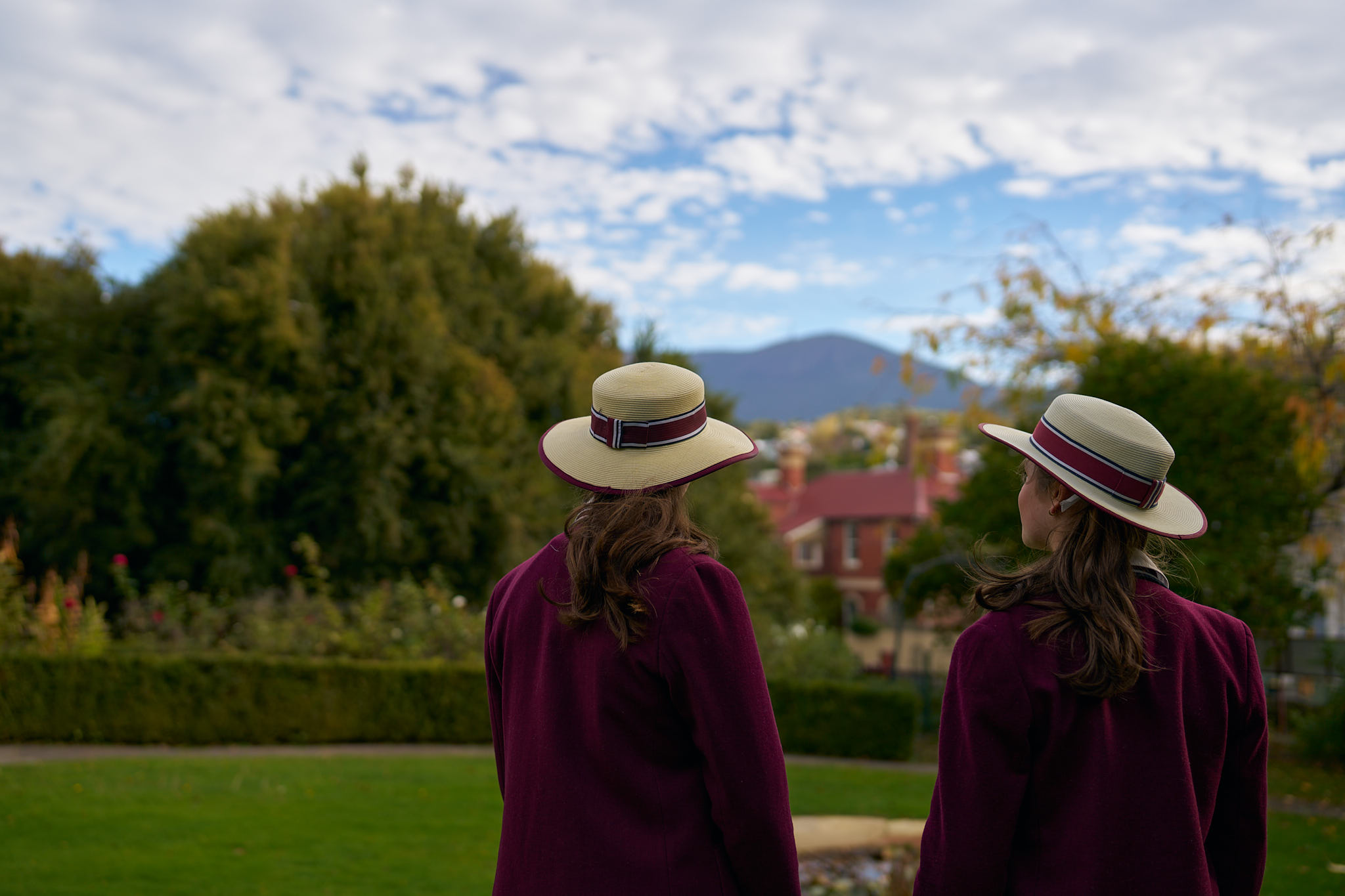
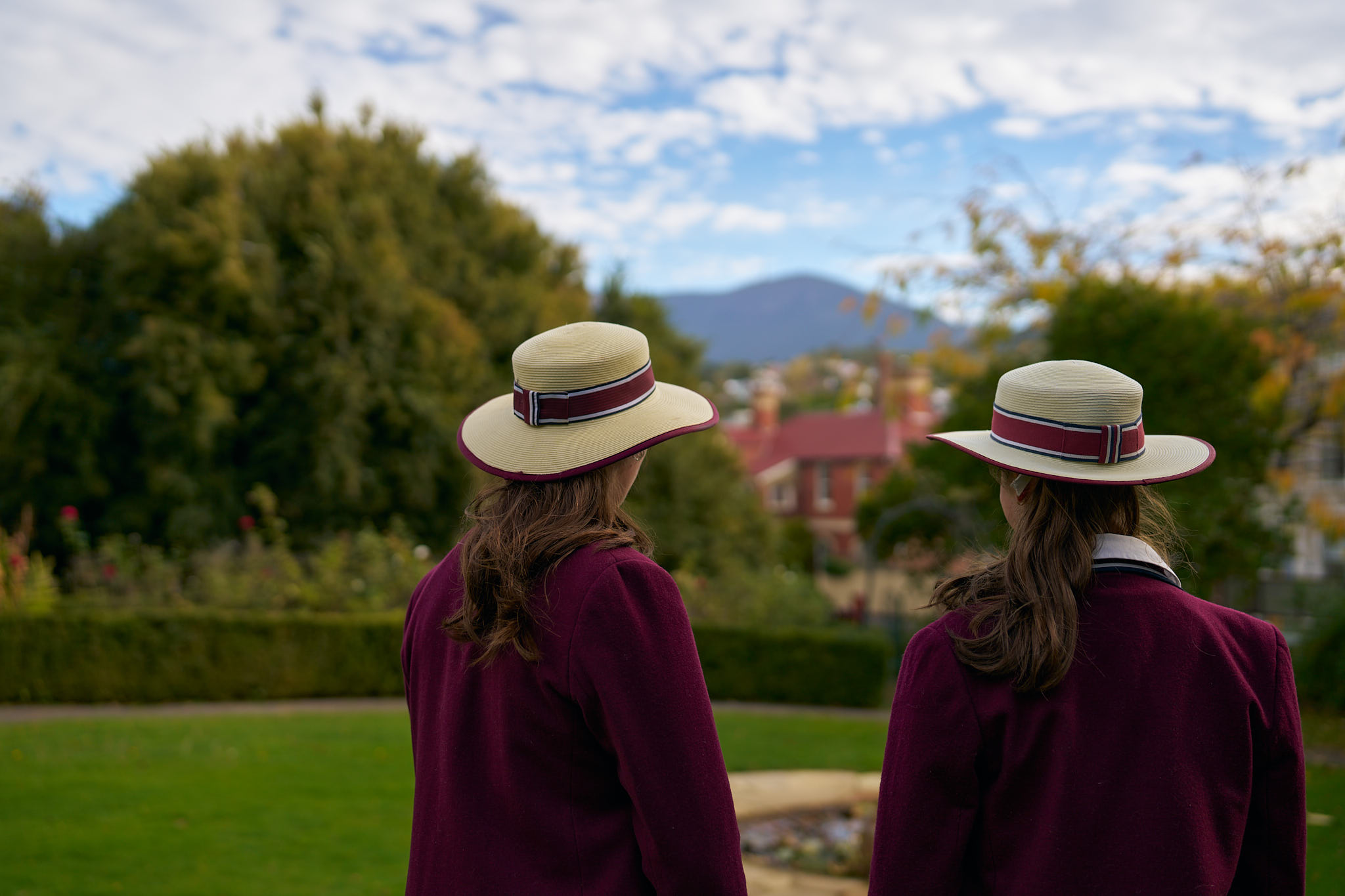
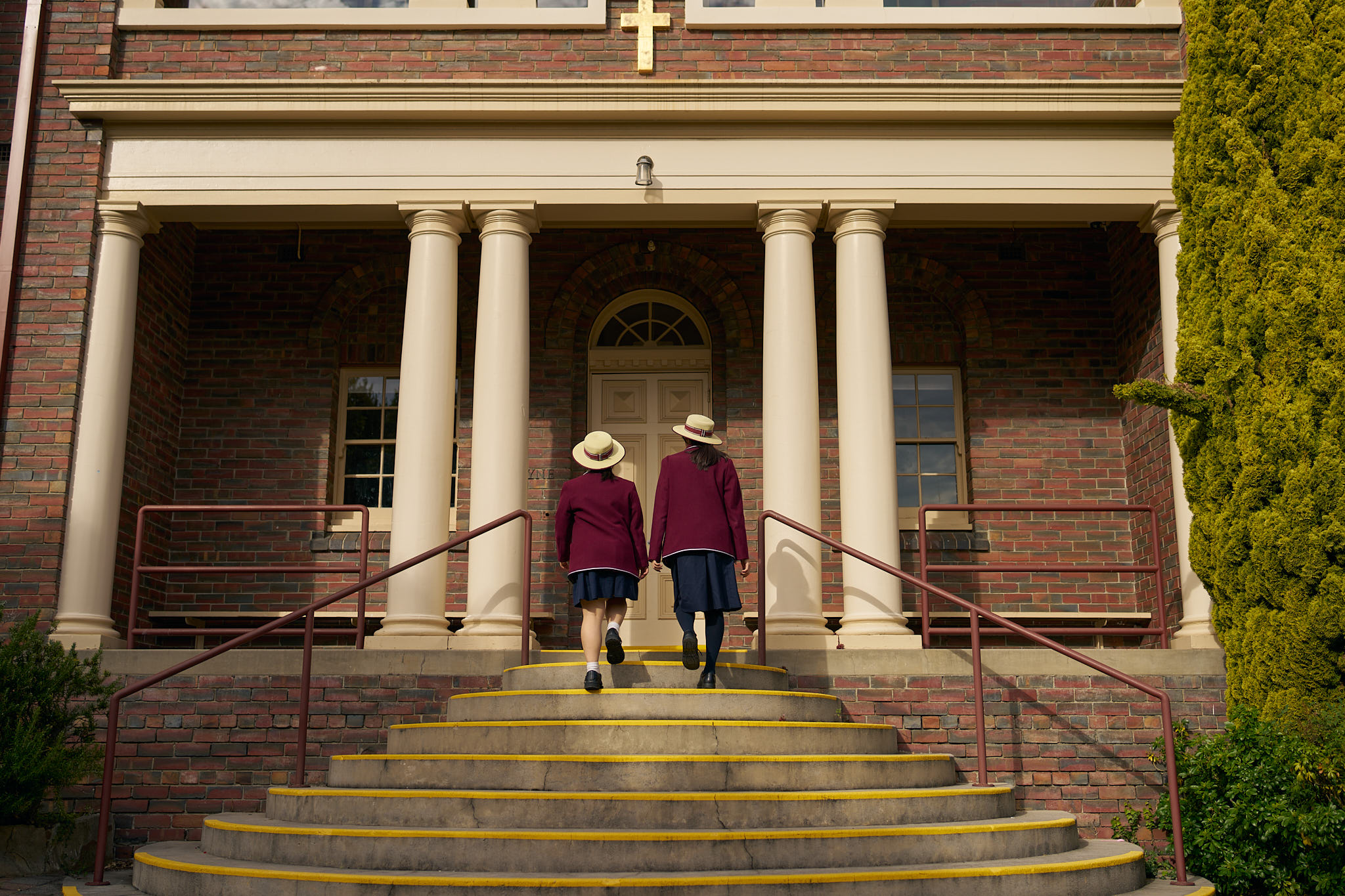
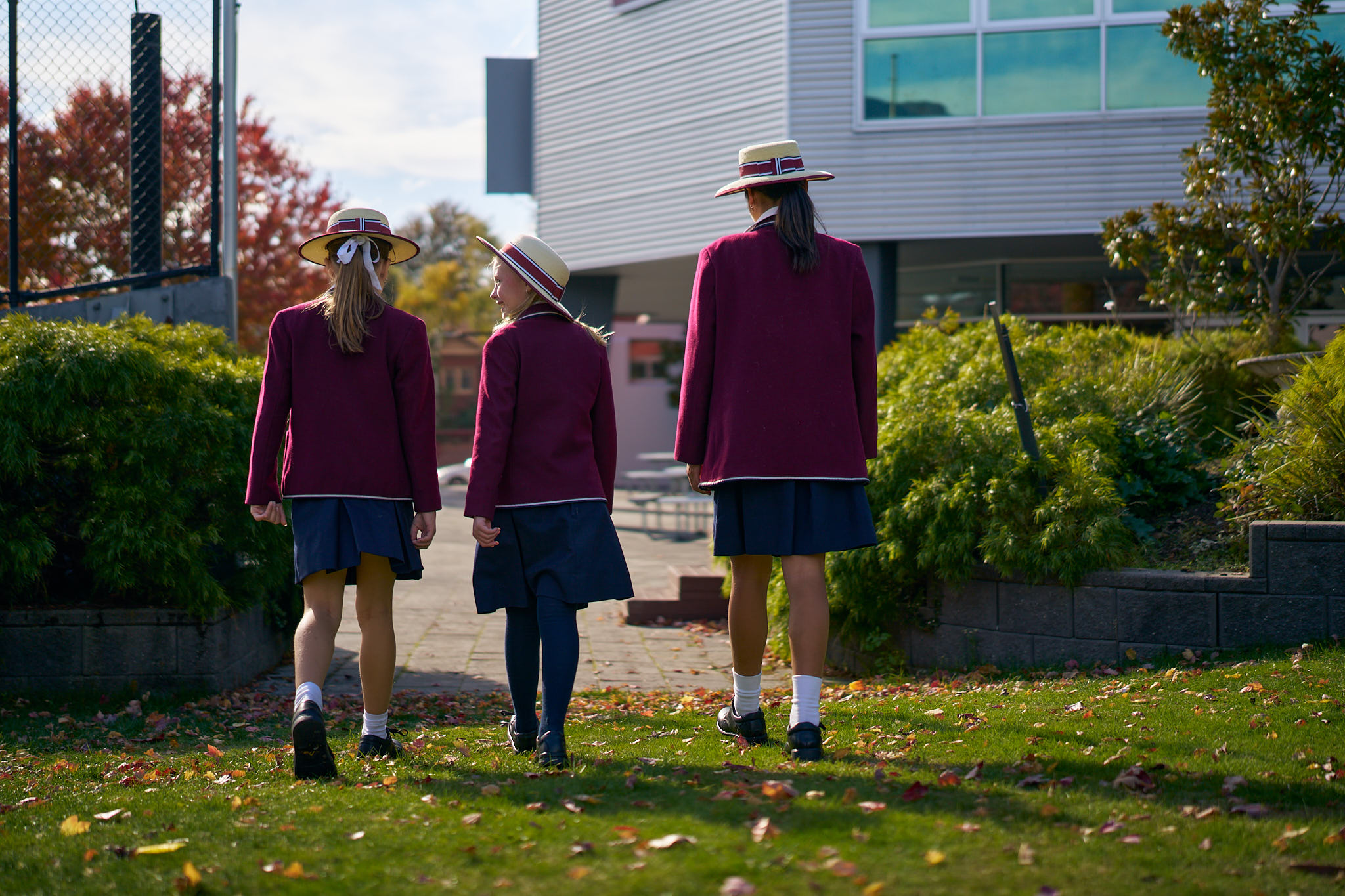
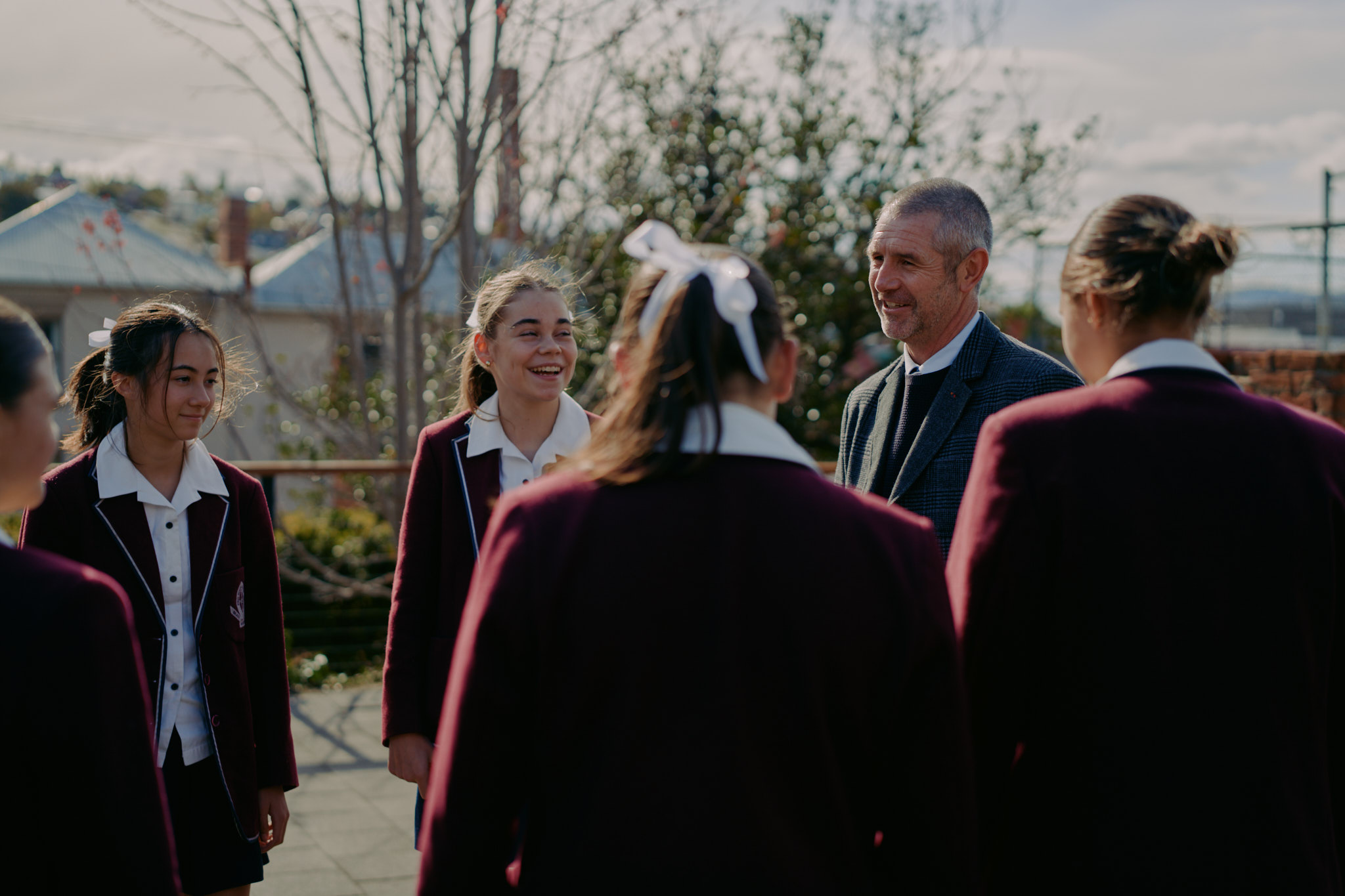
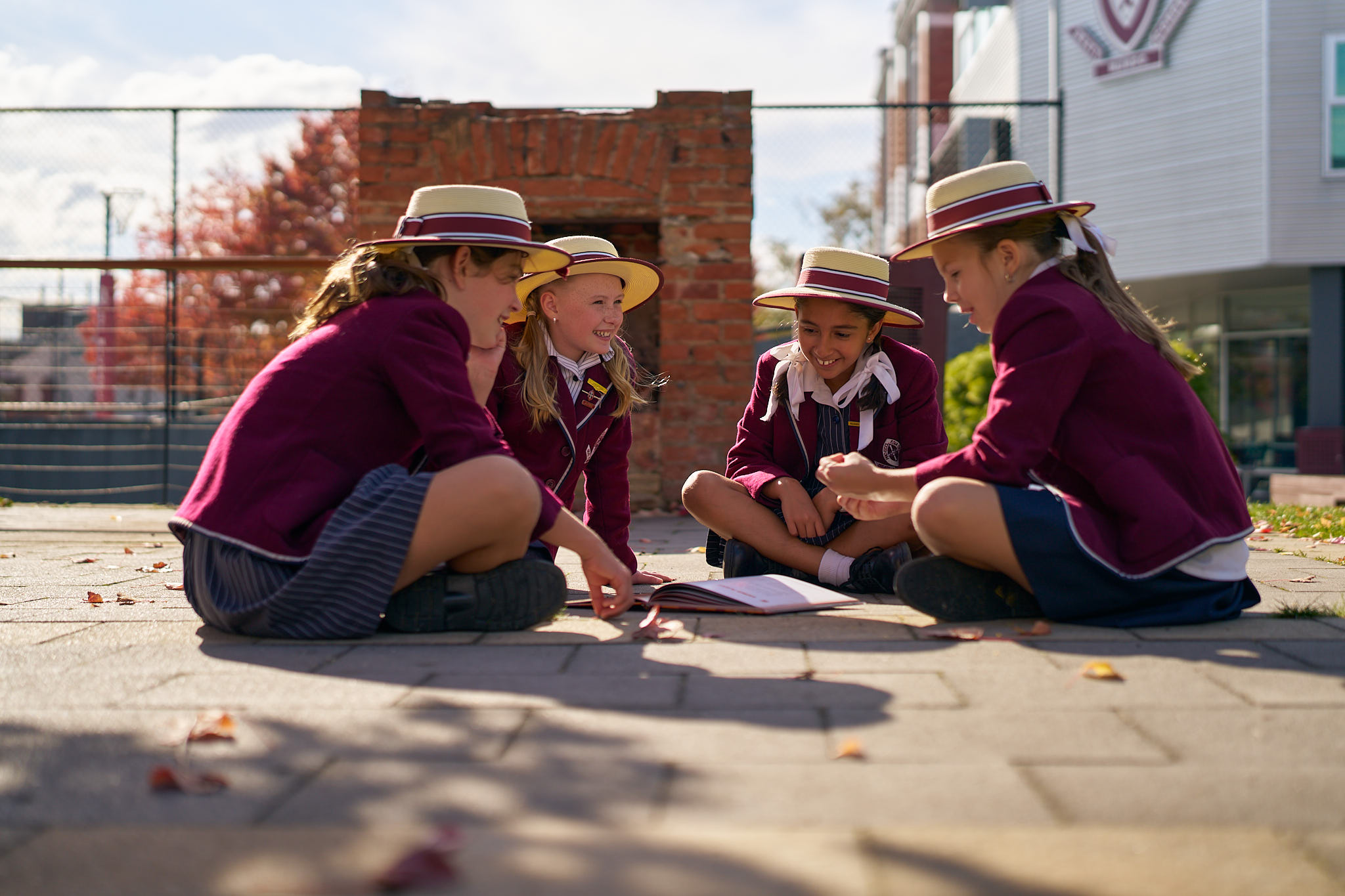
Next block is a ‘Large Image’. This a full width large image to provide visual breaks on a page
The next block is the ‘Team Cards’. This will pull in the ‘Team members’ post type and display all of them. However, you can use the options in the sidebar to whittle down which team members should be shown. Here is an example of showing all:
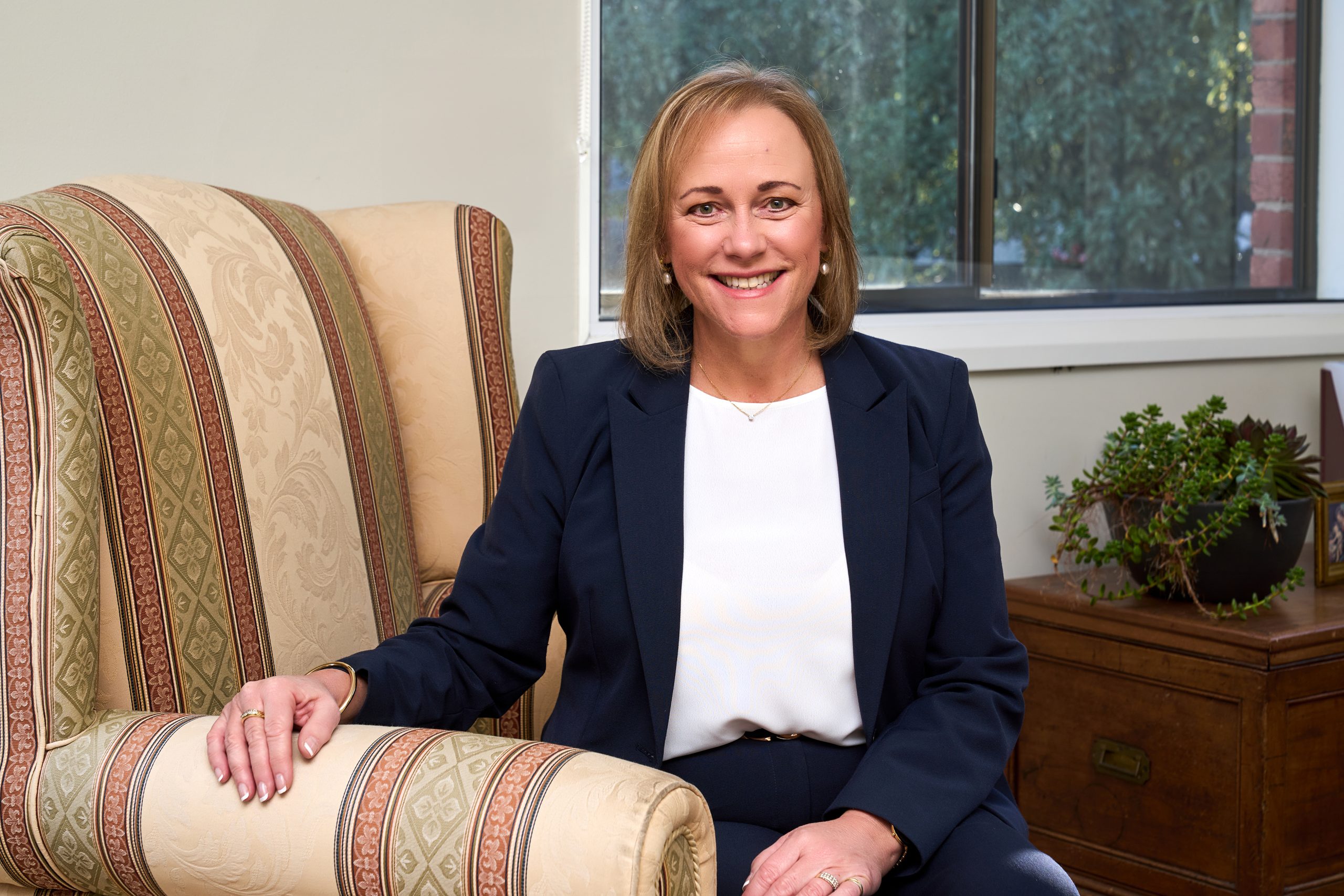
Dr Julie Wilson Reynolds
Principal
and an example showing just 2 selected ones (note they show in the order you select, drag and drop to change!):
You can also add a header!
Dr Julie Wilson Reynolds
Principal
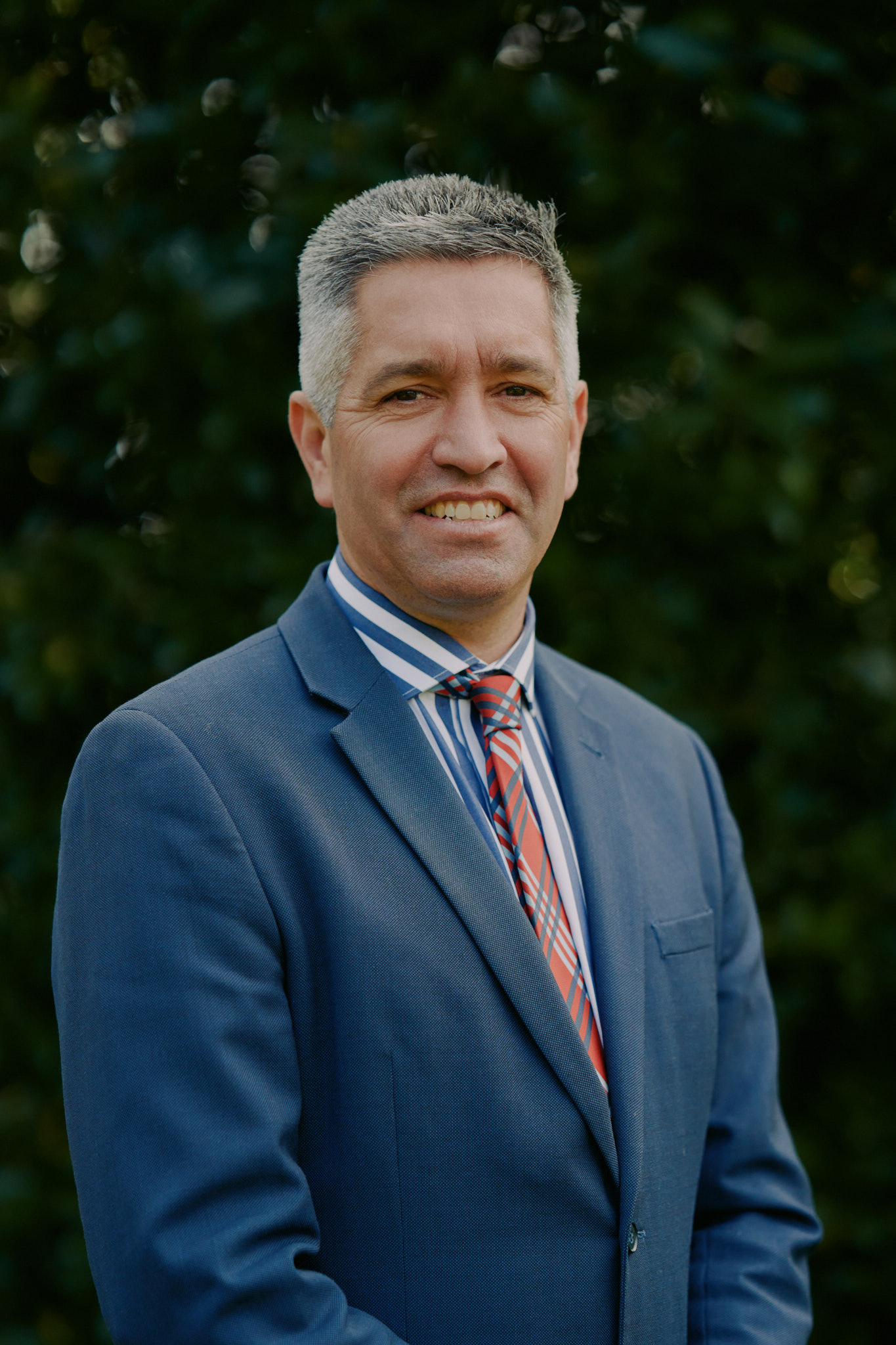
Mr Ben Green
Deputy Principal
This is a quote
Citation
lorem ipsum lorem ipsum lorem ipsum lorem ipsum lorem ipsum lorem ipsum lorem ipsum lorem ipsum lorem ipsum lorem ipsum lorem ipsum lorem ipsum lorem ipsum lorem ipsum